
Advertorial or Sponsorship User published Content does not represent the views of the Company or any individual associated with the Company, and we do not control this Content. In no event shall you represent or suggest, directly or indirectly, the Company's endorsement of user published Content.
The company does not vouch for the accuracy or credibility of any user published Content on our Website and does not take any responsibility or assume any liability for any actions you may take as a result of reading user published Content on our Website.
Through your use of the Website and Services, you may be exposed to Content that you may find offensive, objectionable, harmful, inaccurate, or deceptive.
By using our Website, you assume all associated risks.This Website contains hyperlinks to other websites controlled by third parties. These links are provided solely as a convenience to you and do not imply endorsement by the Company of, or any affiliation with, or endorsement by, the owner of the linked website.
Company is not responsible for the contents or use of any linked website, or any consequence of making the link.
How Scalefusion UEM simplifies Windows device management for SMBs and enterprises
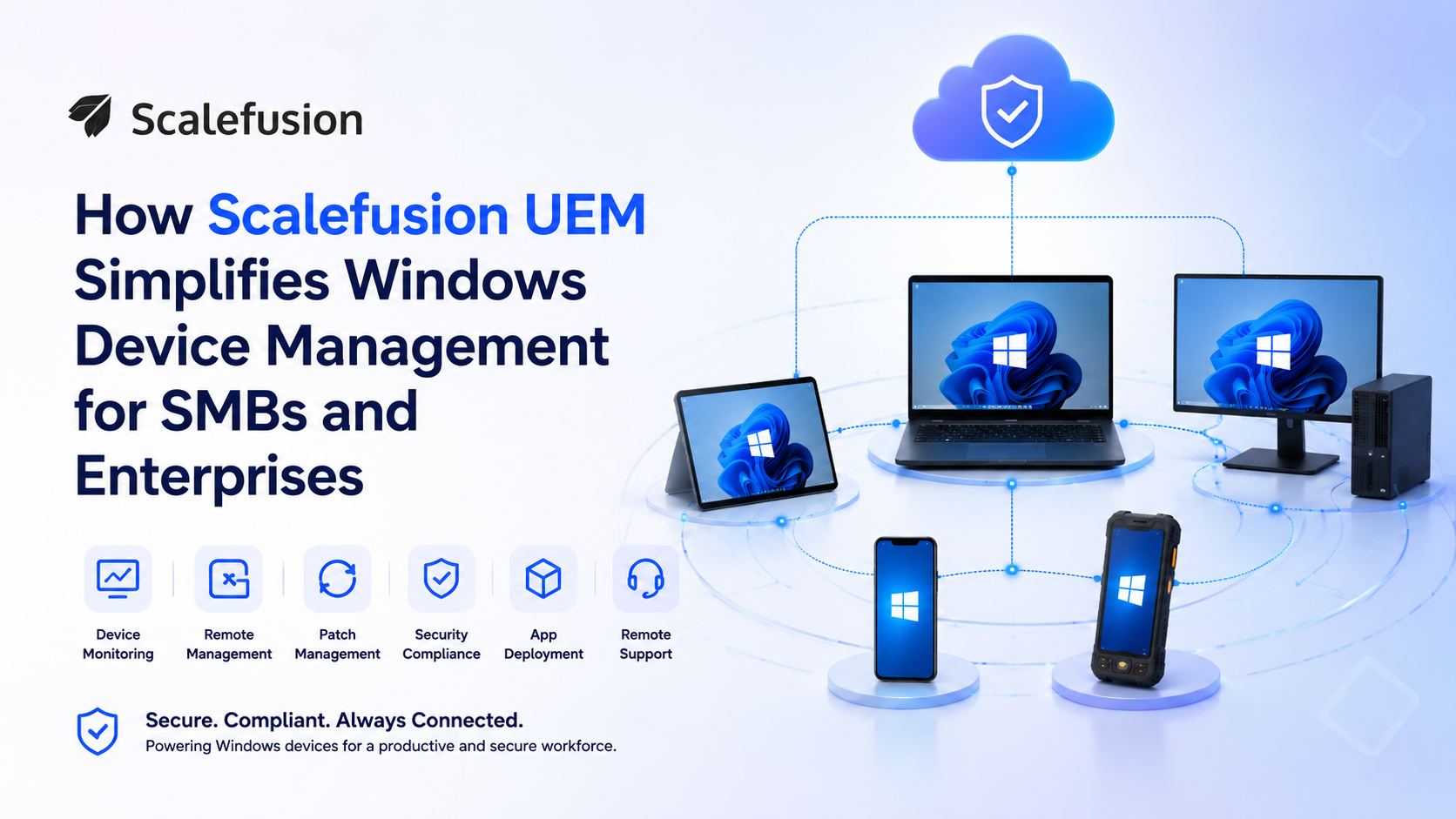 Managing an array of Windows devices such as laptops, desktops, and kiosks has traditionally been a complex, resource-intensive task. For small and medium-sized businesses (SMBs), it often means manual configuration, while enterprises struggle with mass deployment and security compliance. As hybrid work becomes the norm, the need for a streamlined solution is urgent.
Scalefusion Unified Endpoint Management (UEM) offers a comprehensive, intuitive solution designed to take the complexity out of Windows device management. From zero-touch onboarding to robust security policies, Scalefusion helps organizations secure, manage, and monitor their Windows endpoints from a single, centralized dashboard.
Here is how Scalefusion UEM simplifies Windows device management for businesses of all sizes.
Streamlined onboarding and enrollment
Getting devices ready for employees is a major pain point. Scalefusion UEM streamlines onboarding to deliver an instant out-of-the-box experience (OOBE), making corporate devices immediately deployment-ready.
- Windows Autopilot: With Scalefusion, IT teams can use Windows Autopilot to automatically pre-configure and deploy devices, creating a true “zero touch” experience. This enables employees to start working immediately without requiring manual IT assistance.
- Agent-based enrollment: Automatically or manually enroll Windows devices using the Scalefusion MDM agent. If devices are already deployed and users do not have access to an admin account, agent-based enrollment can be initiated in non-admin mode.
- Scalefusion Deployer: For mass deployments, admins can generate a single deployer file to onboard thousands of Windows devices with a click. Effortlessly install management tools, apps, and configurations, even on remote Windows devices.
- Microsoft Entra ID: Enable automatic “out-of-the-box” enrollment of Windows 10 and above devices when they are joined to Microsoft Entra ID, or a Microsoft Entra ID account has been added to the devices.
- Browser-based enrollment: Enroll company-owned Windows 10 and above devices using an enrollment URL and code. This method allows you to enroll either via Microsoft Edge/IE11 or the ‘Access work or school’ Windows feature.
- User-authenticated enrollment: Enroll company-owned devices by prompting users to authenticate using their GWS/M365/SAML SSO credentials or by using the email of users added to the Scalefusion dashboard and the OTP received on their email.
- Provisioning package (PPKG): Bulk enroll fresh or factory-reset Windows 10 and above devices by creating a PPKG file using Windows Configuration Designer. Applied using a USB drive, this is an automated Windows enrollment technique.
Centralized policy management and remote tuning
Managing disparate settings across hundreds or thousands of devices is inefficient. Scalefusion’s single-pane-of-glass dashboard allows IT admins to enforce policies precisely to specific groups or subgroups.
- Connectivity configuration: Effortlessly set up Wi-Fi and VPN configurations to ensure secure access to corporate resources from anywhere.
- Remote commands: Execute business-specific customizations via scripts, perform disk cleanups, join or unjoin domains, install or uninstall apps, and launch actions remotely.
- PowerShell scripting: Automate routine tasks, simplify configurations, and optimize the Windows environment with advanced scripting capabilities.
Comprehensive application lifecycle management
Installing, updating, and managing software on Windows devices can be time-consuming. Scalefusion streamlines this with robust application management features.
- Curated app experience: Deploy business applications silently via the Windows Business Store, or maintain control using a private Enterprise Store for custom Win32 apps and APPX bundles. Create your repository of organization-friendly applications.
- Automated application patching: Shield devices from vulnerabilities by scheduling third-party application updates during off-hours to avoid workflow disruptions.
- Software Metering: Monitor application performance and usage patterns of Win32 applications to optimize licenses and track resource consumption.
Enhanced security and identity compliance
Maintaining compliance with industry regulations and company policies is critical, especially when devices are used outside the office perimeter.
- Ironclad patch management: Identify and deploy critical OS patches remotely, establishing automated schedules to keep systems updated against threat surfaces.
- Multi-layered security: Remotely mandate BitLocker drive encryption, enforce strong password policies, customize Windows Defender settings, and restrict peripheral usage like USB drives or Bluetooth devices to prevent data leaks.
- Location tracking and geofencing: Track your Windows devices in real time, access detailed location history, and set up geofences to ensure devices remain within authorized areas. Reduce the risk of device loss, misuse, or theft.
Specialized kiosk mode and shared device spaces
For businesses utilizing dedicated equipment or collaborative environments, Scalefusion provides versatile environment lockdowns.
- Single and multi-app kiosk modes: Lock Windows devices to a single app for focused use (like digital signage or POS) or open a curated selection of approved apps for your workforce.
- Shared device management: Support multi-user environments by automatically loading individual preferences upon login and completely wiping temporary session data during logouts to keep shared devices clean and ready for the next user.
- Shift-based access and sign-off policies: Configure policies to automatically sign users out after a set time or a fixed hour (e.g., end of shift) to ensure security. Set the automated sign-out time, force restart, and configure alert messages for users.
Remote troubleshooting and analytics
Downtime is costly. Scalefusion provides real-time support tools that eliminate the need for physical device access.
- Unattended remote cast and control: Cast device screens, record active troubleshooting sessions, and take control over the machine to resolve issues instantly.
- Intel vPro support: Scalefusion integrates with Intel® vPro® (AMT) to enable hardware-level, out-of-band management of Windows devices. This allows IT admins to remotely power on, wake, restart, or access the BIOS of unattended or faulty devices, even if the OS is unresponsive or the machine is off.
- Scalefusion DeepDive: Get granular, graphical analytics for monitoring device inventory, health, and security, allowing IT admins to proactively manage Windows devices. DepDive offers actionable insights into device performance, app usage, patch compliance, and more with customizable reports.
Scalefusion for SMBs and enterprises: Flexibility, scalability, and more
For SMBs with limited IT personnel, Scalefusion UEM transforms IT management from a chaotic chore into a systemized routine. Its clear UI removes heavy learning curves, enabling small teams to regulate IT tasks efficiently, maintain active compliance, and easily trace lost assets using geofenced location tracking.
For larger enterprises operating across industries like healthcare, aviation, or retail, Scalefusion UEM delivers modern management at scale. It provides the scalability needed to manage thousands of devices across diverse locations. Its robust API support, granular role-based access control (RBAC), seamless compliance support, and integration with existing directory services make it a powerful enterprise-grade solution.
Scalefusion UEM balances robust management power with practical execution. By uniting onboarding, device security, identity verification, and deep application metering into one workflow, it eliminates administrative fragmentation and mitigates company security risks.
Whether you need to monitor remote hybrid laptops for a growing business or manage dedicated retail kiosks at enterprise scale, Scalefusion UEM helps keep your infrastructure optimized, secure, and easy to manage.


